The link is dead.
Replicate deletes after one hour, Runway after two days. Then all that’s left is a 404.
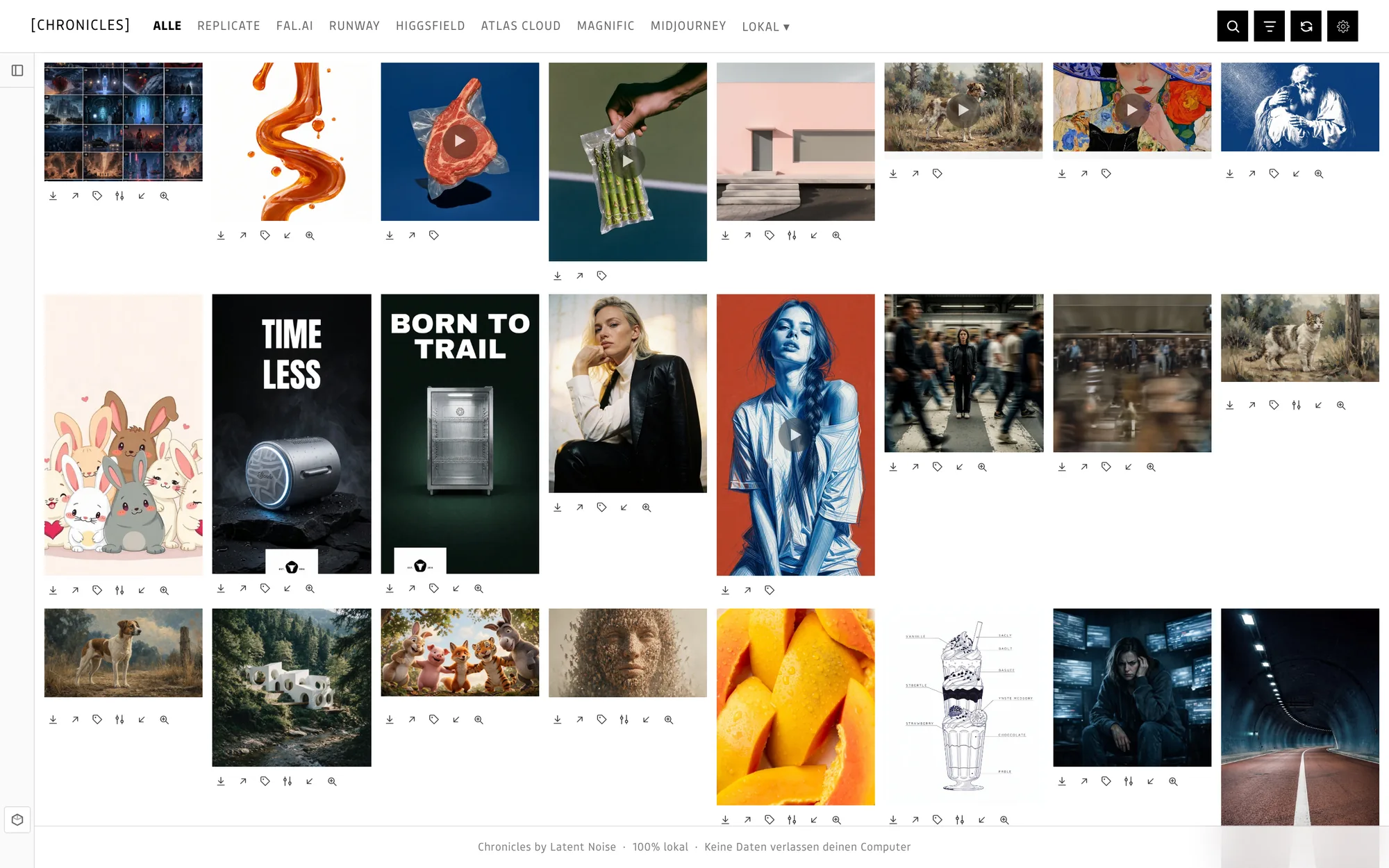
Chronicles pulls your images and videos from Replicate, fal, Midjourney, ComfyUI and more onto your Mac. Prompt included. And finds them again, even if all you remember is what they looked like.
Replicate deletes after one hour, Runway after two days. Then all that’s left is a 404.
Somewhere in a tab, in Discord or in a note. Recreate it? Good luck.
Three cents here, a subscription there. What that one image cost, nobody can tell.
In Replicate, fal, Runway or ComfyUI. Chronicles watches in the background.
Before the link expires, the file is on your Mac.
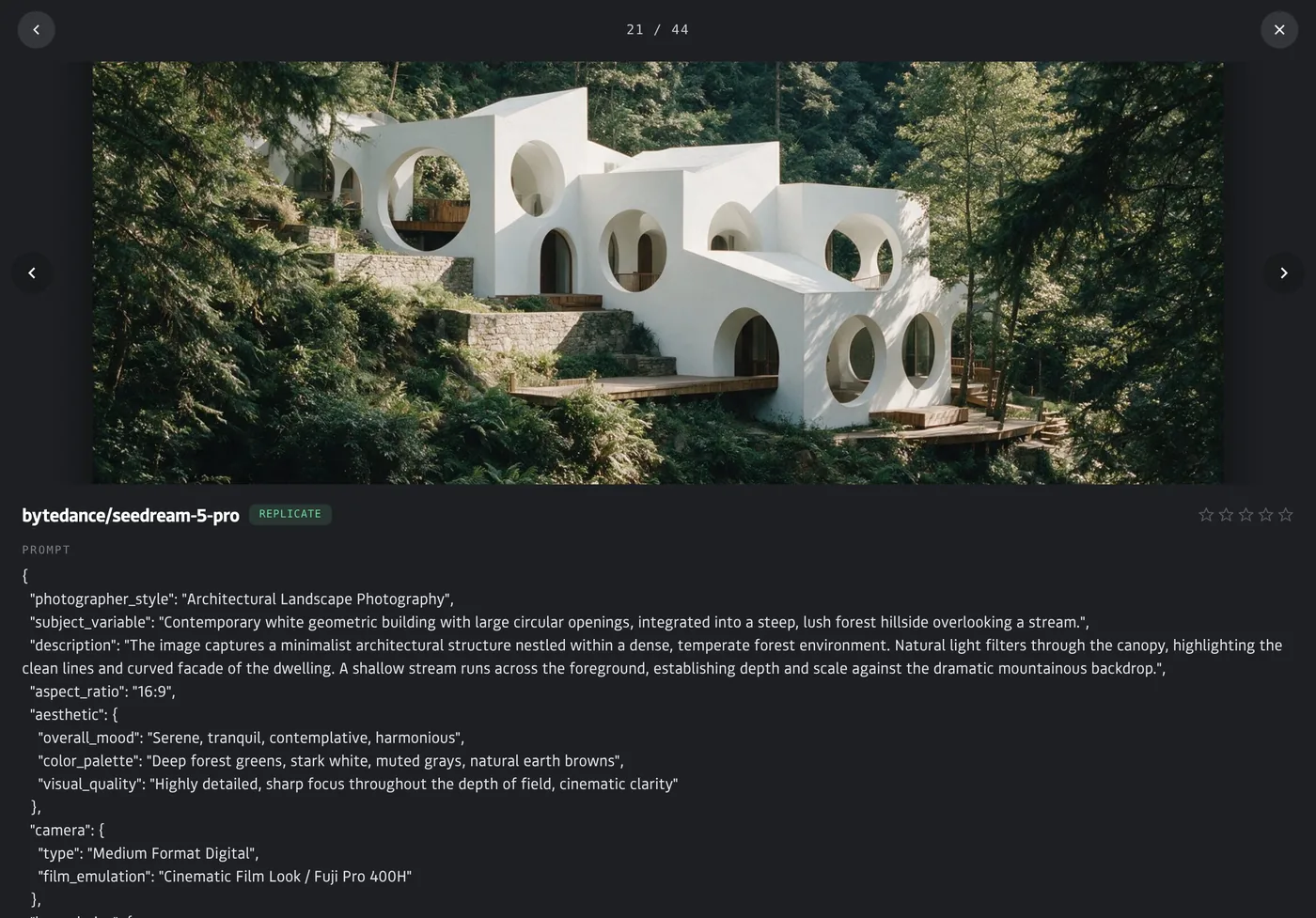
Prompt, model, cost, date. Exactly as you sent it.
Add your API keys, done. Midjourney comes in through your downloads, ComfyUI through its output folder.
Search with a word from the prompt, describe what’s in it, or use an image as reference. All right on your Mac.
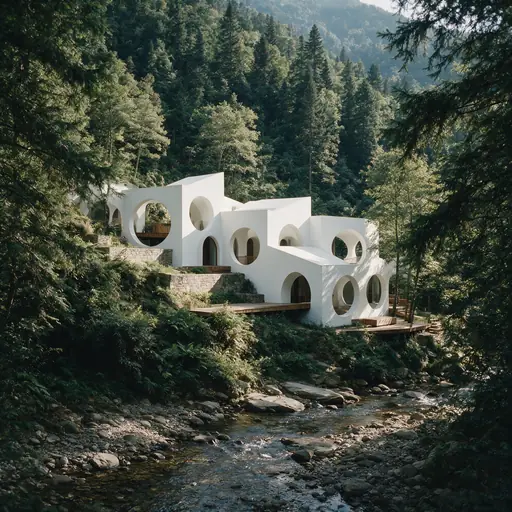
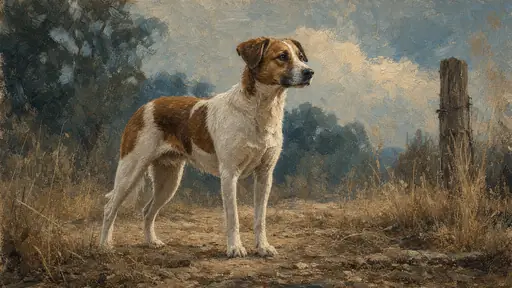










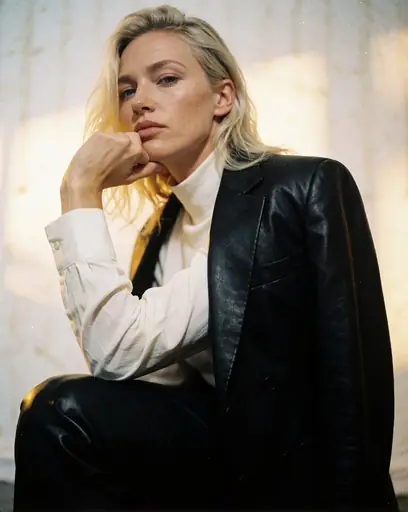
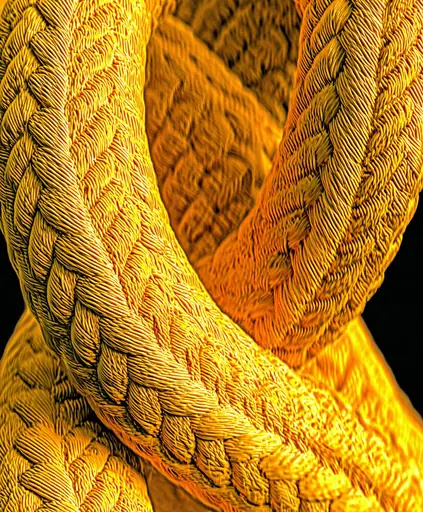
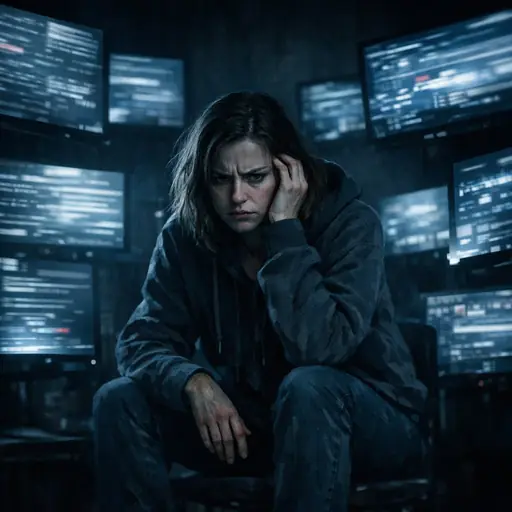
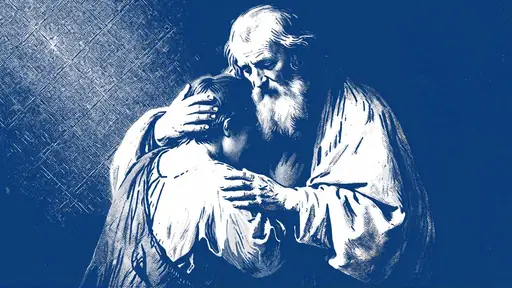
16 real generations from the app’s examples. Matches are staged for this website.
Rate with stars, build collections, send a ZIP to your client.
Per client, per project, per style. One image can sit in several.
Press 1 to 5, 0 clears. Done.
Ten variations of the same motif? One stack.
Images, prompts and all the details in one file.
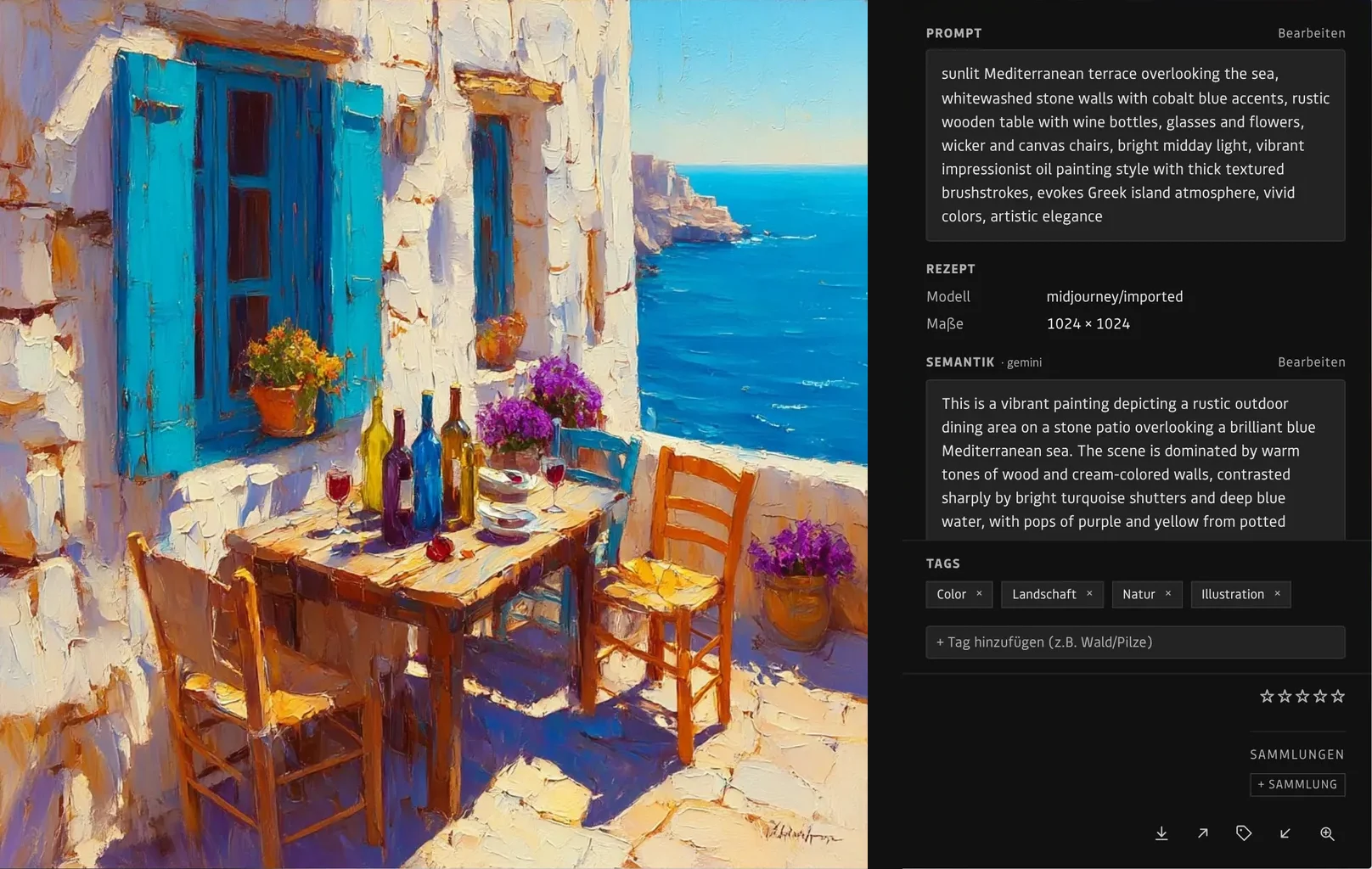
Chronicles doesn’t just live in its own window. Small extensions bring your images right where you’re working. They only talk to Chronicles on your computer, never through a cloud.
Your library as a panel. Search, copy the prompt, open in Photoshop.
Open any image from Chronicles in Photoshop with one click.
One panel for both. “Add to project” drops the original into your project.
Place an image from your library straight onto the canvas.
A collection or your latest images into the Media Pool. Needs Resolve Studio.
Export a collection as an event. Double-click, done.
Describe any image in your browser, locally. The prompt lands in your clipboard.
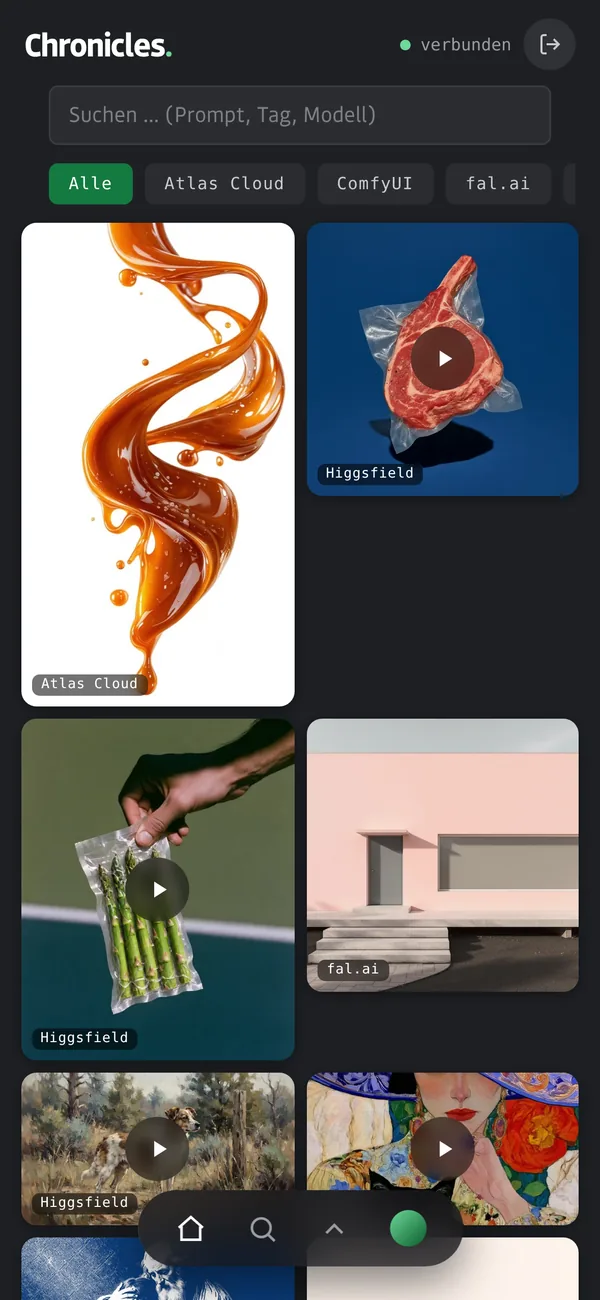
Your library on phone and tablet, on the same Wi-Fi.
Connect once with a code from the settings. Ready = tested. Beta = works, still being refined. In progress = coming.
Craftsmanship creates quality, but it is the mechanism that makes it repeatable.
latentnoise
Chronicles gets prompt and cost straight from the service. Other apps only see a JPG.
No account, no cloud, no tracking. Your experiments are nobody’s business.
Saving, tagging, describing. Nothing for you to start.
Pay once. No subscription that locks you out a year later.
Chronicles is macOS-only for now.
For Replicate, fal and co. you need your API key. Folders, Midjourney and ComfyUI work without.
fal and Runware only share part of the history. For Runway and Higgsfield you see what you start from Chronicles.
Such as Ollama or LM Studio. Without one there are no automatic tags, everything else still works.
Open the DMG, drag Chronicles into Applications.
Pick a folder or add a key. One folder is enough to start.
Chronicles fetches everything and builds your search.
No subscription. Try everything for 14 days. After that, the Student version keeps running for free, and nothing gets lost.
€0
free forever
€120
one-time · 1 person · 2 Macs
€369
one-time · 5 people · 5 Macs
On request
for larger teams
Prices include VAT. Your purchase key arrives by email. When the trial ends, everything stays: viewing and searching always work.
I generate with several services every day. I asked one provider whether it could keep my images and prompts for good. The answer was no. So I built Chronicles.
I use it myself every day. If something’s missing, I’m the first to notice.
Nikita Anders, Designer M.A.
No. Folders, Midjourney downloads and ComfyUI work right away. Connect services whenever you want.
No, everything stays on your Mac. Only if you want tags from Gemini does an image go to Google, with your own key. The licence check sends only your purchase key and a random device number.
Chronicles becomes the free Student version. Nothing gets deleted.
They only see an image file. Chronicles knows how the image was made.
Yes. You only need a connection to fetch from the services. The licence checks itself about every 30 days, and without a connection everything keeps working.
Yes. Videos, PDFs and audio. You find videos through automatic descriptions, which needs a local AI model, for example via Ollama or LM Studio.
Coming soon for macOS.
Coming soon